
Every business owner knows the sinking feeling of discovering an enquiry that sat unanswered in a website database or spam email folder for four days:
- An enquiry from a corporate client looking for a ₹5-lakh commercial fit-out.
- When you finally call them, they tell you: *"Sorry, we waited for your reply on Monday, didn't hear back, and signed with another firm on Wednesday."*
Email notifications are no longer reliable in India. Spam filters silently swallow genuine customer emails, and busy sales executives rarely check their email inboxes during active client site visits.
**WhatsApp is where Indian business happens.**
Routing your online website enquiries directly to your sales team's WhatsApp smartphones within 5 seconds transforms your lead response speed and dramatically increases your closed deals.
Here is the exact technical architecture to connect your website directly to WhatsApp.
---
The Real-Time Lead Routing Architecture
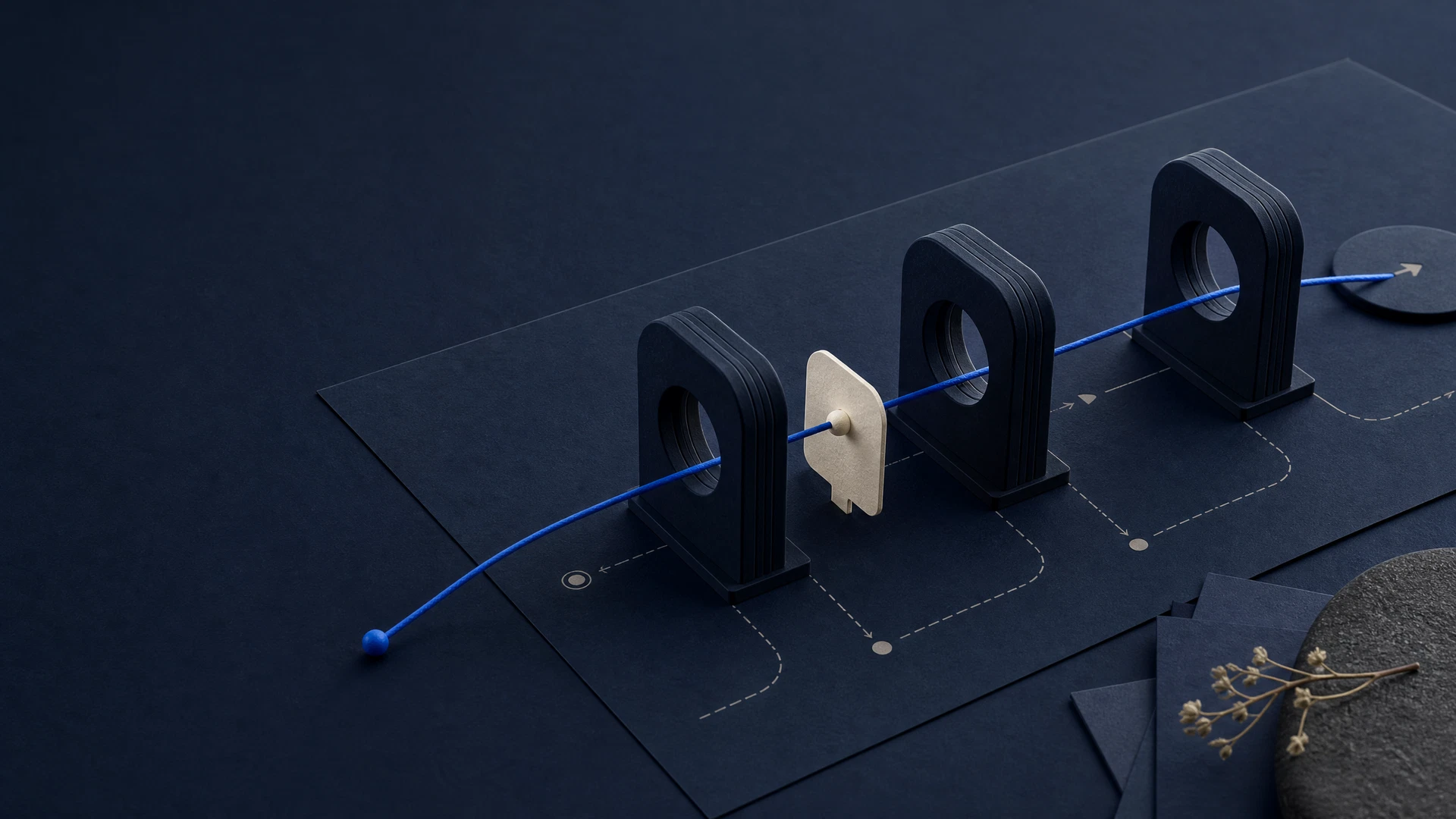
The system connects three components using lightweight, secure cloud webhooks: 1. **The Lead Trigger (Your Website Form):** When a user enters their name, phone, and requirements on your contact page and hits "Submit". 2. **The Automation Router (Webhook Processor):** A cloud workflow tool (like Make.com or n8n) that validates the data, strips spam, and formats the alert. 3. **The WhatsApp Destination (Your Sales Desk):** The official WhatsApp Business API that instantly delivers the alert.
---
What the Internal WhatsApp Notification Looks Like
The moment a customer hits submit, your internal sales WhatsApp group receives a structured alert:
```text 🚨 NEW WEBSITE ENQUIRY RECEIVED --------------------------------- 👤 Name: Suresh Kumar 📱 Phone: +91 9845X XXXXX [Click to Call] 💬 WhatsApp: [Tap to Chat Directly] 📍 City / Locality: Kuvempunagar, Mysuru 🛠️ Service Interested: Commercial Rooftop Solar (15 kW) 📝 Notes: "Need quotation for our printing press roof before end of month" ⏱️ Time: 11:24 AM (Today) --------------------------------- Assignee: @Vikram (Hebbal Territory Lead) ```
With one tap on their smartphone screen, your sales executive can dial the prospect or start a WhatsApp chat while the customer is still sitting in front of your website.
---
How to Set This Up in 4 Steps
Step 1: Add a Webhook Trigger to Your Website Form
Modern web forms allow you to post form submissions to a webhook URL. Instead of relying solely on traditional `wp_mail()` or SMTP email plugins, send the JSON payload directly to your webhook endpoint.
Step 2: Configure Data Sanitization & Formatting
Using a platform like Make.com:
- Check that the phone number is a valid 10-digit Indian mobile number.
- Filter out obvious test submissions and bot spam.
- Append UTM tracking data (showing whether the lead came from Google Search, Google Ads, or Instagram).
Step 3: Connect to Official WhatsApp Business API
Never use unauthorized third-party WhatsApp automation tools that use pirated personal SIM cards—WhatsApp will permanently ban your phone number. Use official Meta-approved Business Solution Providers (BSPs) such as Gupshup, Aisensy, Wati, or Interakt.
Step 4: Simultaneously Log the Lead in Google Sheets or CRM
In the same workflow, append a new row to your master Google Sheet:
- Date & Time
- Customer Name & Phone
- Service Selected
- Assigned Sales Representative
- Lead Status (*"New"*, *"Contacted"*, *"Site Visit Scheduled"*, *"Quoted"*, *"Won"*, *"Lost"*)
This ensures no lead is ever misplaced, even if a sales rep accidentally deletes a WhatsApp chat.
---
Comparison: Traditional Email vs. WhatsApp Lead Routing
| Feature | Old Email Notification | Real-Time WhatsApp Routing |
|---|
|---|---|---|
| **Average Open Time** | 2 to 14 hours | **Under 90 seconds** |
|---|---|---|
| **Delivery Reliability** | Often flagged as spam or junk | **99.8% inbox delivery** |
| **Sales Rep Action** | Must log in to PC to reply | **One-tap call or chat from smartphone** |
| **Team Accountability** | Hidden in individual inboxes | **Visible in shared internal team group** |
---
Frequently Asked Questions
Can the system also send an instant WhatsApp greeting to the customer?
Yes. At the exact same second your sales team receives their internal alert, the system can trigger an automated, personalized WhatsApp confirmation to the customer: *"Hi Suresh, we received your enquiry about Commercial Solar. Our project engineer Vikram will call you shortly."*
What happens if an enquiry arrives on Sunday or at 2:00 AM?
You can configure time-based routing logic. If an enquiry arrives outside business hours, the system logs the lead in your CRM, sends the customer a polite out-of-hours message setting expectations for 9:30 AM Monday, and queues the internal alert for the morning shift.
---
Final Takeaway & Next Move
Speed-to-lead is the single most controllable competitive advantage in modern sales. Routing your website enquiries directly to WhatsApp eliminates communication bottlenecks, impresses prospective clients, and maximizes your return on advertising spend.
**Need this lead routing system deployed for your business?** Savhn in Mysuru builds turnkey website-to-WhatsApp automation workflows for service businesses across Karnataka. Contact our team or message us on WhatsApp today for a live demonstration.